
 Account, team and security
Join a team from an invite
Accept an invite from your company so you can use its programs and saved jobs.
When your company invites you, you get an email called "... invited you to ... on Terralox". Accepting it puts you on the company's team, so you can open its programs and see its jobs.
Steps
- Open the invite email and press Join the team.
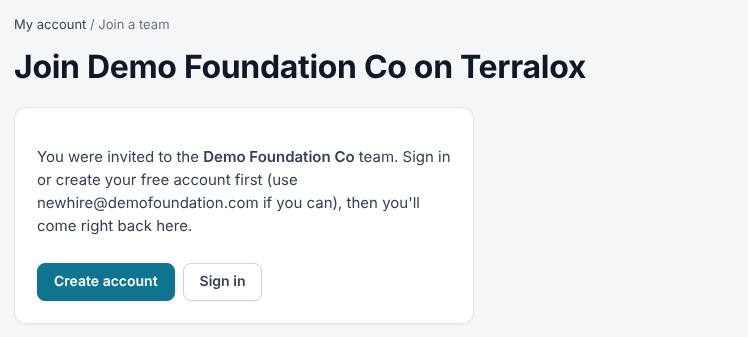
- The page says Join (your company) on Terralox.
- If you don't have a Terralox account yet, press Create account and make one. If you do, press Sign in. Either way you come right back to the invite.
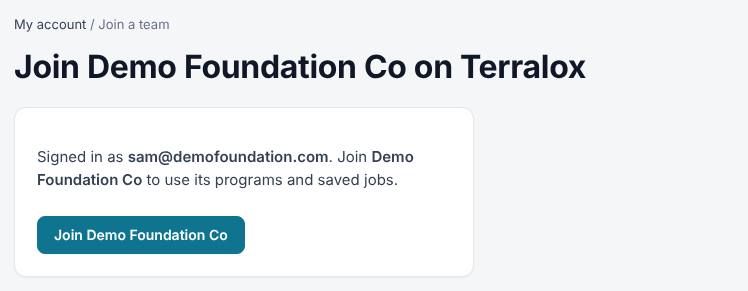
- Check the email shown after Signed in as, then press Join (your company).
- You land on My account, now showing your company's name and programs.
Related questions
It says the invite has expired or was already used
Invites work for 14 days and only once. Ask the person who invited you to send a new one.
I signed up with a different email by mistake
Sign out, then sign in or create an account with the email the invite was sent to. Or ask your owner to invite the email you used.
It says "That business account isn't active"
The company's business account is paused or not approved yet. Ask your owner.
I already own another business account
If that account has other people on it, you can't join a new team on your own. Email info@terralox.com and we'll help move you.
Which programs will I see?
Everything your company has, unless your owner or a manager limits your login to some programs.
Thanks for letting us know.
Still need help?
Send us a message and a real person on the Terralox team will get back to you, usually the same business day.